Local SEO for service businesses: a WordPress checklist
Most service customers search for a service near them. A practical local SEO checklist for WordPress sites: Google Business Profile, service pages, schema, reviews and tracking.
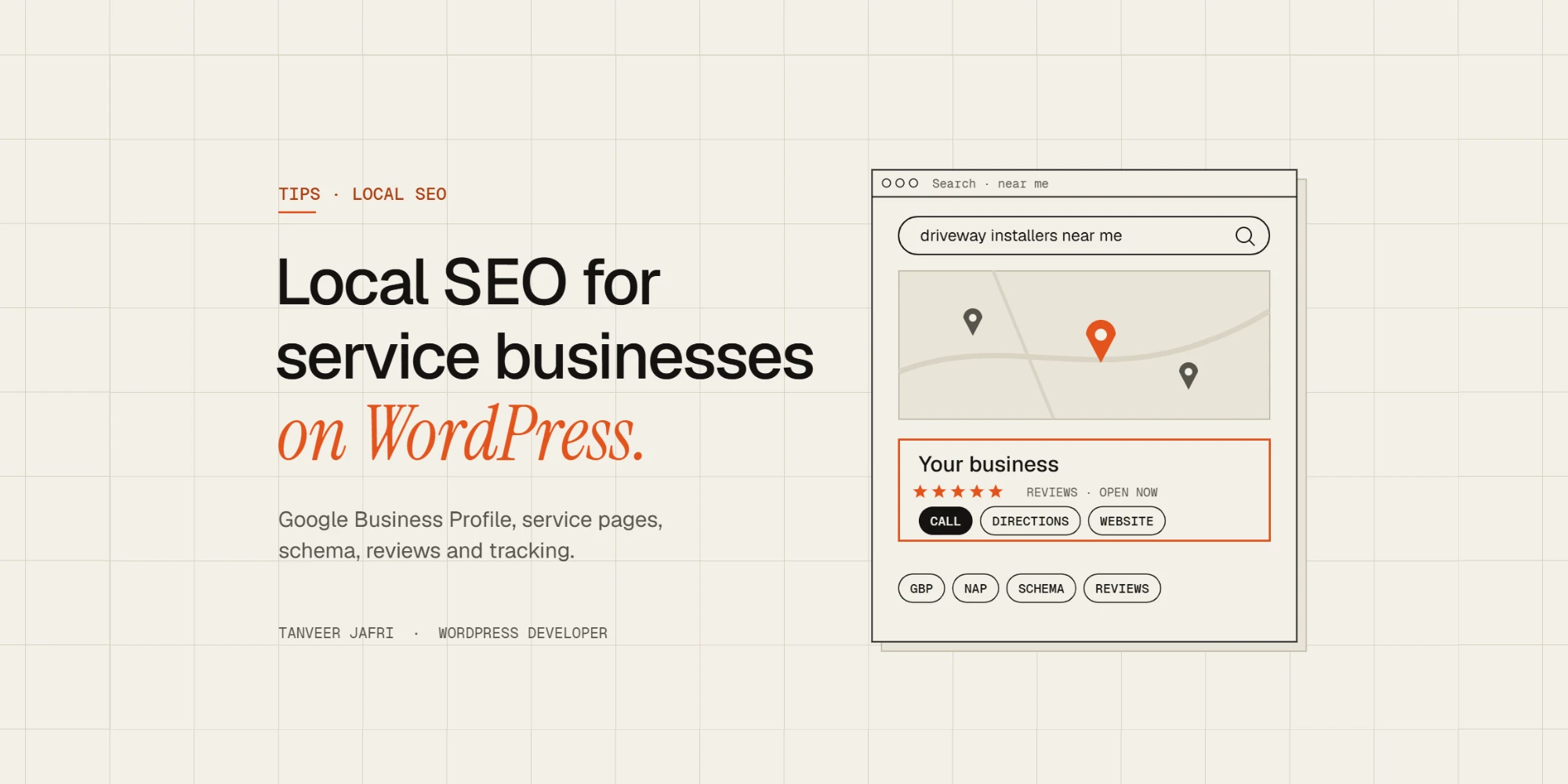
If you run a service business, most of your customers search for something like “resin driveways near me” or “wedding videographer San Diego”. Ranking for those searches is called local SEO, and a WordPress site can do most of the work if it’s set up properly. This is the checklist I use on service-business sites.
Start with your Google Business Profile
Your Google Business Profile is what appears in the map results, and it often matters as much as your website. Claim and verify it, choose the most accurate primary category, add your service areas and opening hours, and upload real photos of your work. Link it to the most relevant page on your site, usually the homepage or a location page.
Keep your name, address and phone consistent
Search engines compare your business details across your website, your Google Business Profile and directories. Use exactly the same business name, address and phone number everywhere. Put them in the site footer and on the contact page as real text, not inside an image.
Build one strong page per service
A single “Services” page rarely ranks for anything specific. Give each main service its own page that explains what you do, who it’s for, typical prices or price ranges, the process, photos of real jobs and answers to common questions.
Location pages without thin content
If you cover several towns, a “Locations we cover” page or a few location pages can help. Each one needs something genuinely local: projects you’ve done there, travel or coverage details, and local reviews. Dozens of near-identical pages that only swap the town name are likely to be treated as low quality.
Add LocalBusiness structured data
Structured data tells search engines your business type, address, phone, hours and service area in a format they can read reliably. SEO plugins such as Rank Math can add LocalBusiness schema from their settings. Check the result with Google’s Rich Results Test and make sure the details match your Google Business Profile.
Earn and show reviews
Reviews influence both rankings and whether people call you. Ask every happy customer for a Google review with a direct link, reply to reviews, including the negative ones, and show real reviews on your site. Never write or buy fake reviews: it breaks Google’s rules and can get your profile suspended.
Get listed where your customers look
List your business in the main directories for your country and the ones specific to your trade. A handful of accurate, relevant listings is worth more than hundreds of low-quality ones. Local links, such as suppliers, partners, local news or associations, help too.
Get the technical basics right
- Fast pages on mobile, because most local searches happen on phones.
- Click-to-call phone numbers and an easy contact or quote form.
- A clear title and meta description on every service and location page, including the service and the area.
- Internal links from the homepage to each service page and between related services.
- An embedded map on the contact page.
Measure what matters
Track calls, form enquiries and direction requests, not just rankings. Google Search Console shows which searches bring people to each page, and your Google Business Profile shows how people interact with your listing. Review both every month and improve the pages that get impressions but few clicks.
Local SEO plugins and settings for WordPress
You don’t need a stack of plugins for local SEO on WordPress. One well-configured SEO plugin covers most of it. In Rank Math, for example:
- Set the site to represent a Local Business in the general settings, with your business type, address, phone number, opening hours and logo.
- Fill in the social profiles so search engines can connect your site with your other listings.
- If you have several physical locations, Rank Math Pro’s Local SEO module adds a location for each one, with its own schema.
- Write a custom title and meta description for every service page that includes the service and the area, such as “Resin Driveways in Manchester | Company Name”.
Then add a simple contact block in the footer with your business name, address and phone as real text, and embed a Google Map on the contact page. That’s all the “local” setup most sites need; the rest is content and reviews.
Common local SEO mistakes
These are the problems I find most often when I audit service-business sites:
- One generic services page instead of a page per service, so nothing ranks for specific searches.
- Different phone numbers or addresses on the website, Google Business Profile and directories.
- Doorway location pages: dozens of copies of the same page with only the town name changed.
- No calls to action on mobile: no click-to-call button and a contact form buried at the bottom.
- Missing or broken schema after a theme change or redesign.
- Ignoring reviews, or asking for them once and never again.
- Slow pages on phones, where most local searches happen. Fixing speed often lifts both rankings and enquiries; my guide to speeding up an Elementor website covers the usual causes.
How long does local SEO take?
It depends on the competition in your area and where you’re starting from. Fixing technical problems and completing your Google Business Profile can show results within weeks. Building strong service pages, earning reviews and getting local links is ongoing work that compounds over months. The businesses that do best treat it as a monthly habit rather than a one-off project.
Frequently asked questions
Do I need a physical address for local SEO?
No. Service-area businesses can hide their address on Google Business Profile and list the areas they serve instead. Your website should still state clearly which areas you cover.
Should I create a page for every town I serve?
Only if you can make each page genuinely useful, with local projects, reviews or details. A few strong location pages beat dozens of thin ones.
Is WordPress good for local SEO?
Yes. With a good SEO plugin, fast hosting and well-structured service pages, WordPress gives you full control over everything local SEO depends on.
The checklist
- Claim, verify and complete your Google Business Profile.
- Use the same name, address and phone everywhere.
- Create one detailed page per main service.
- Add location pages only with real local content.
- Add LocalBusiness schema and test it.
- Ask for reviews and reply to them.
- Get listed in relevant directories.
- Make the site fast, mobile-friendly and easy to call from.
- Track calls and enquiries every month.
I set up WordPress sites and local SEO for service businesses, from Manchester driveway specialists to on-location video producers in California. If you want more local enquiries, tell me about your business.

Tanveer JafriFreelance WordPress developer. I build WooCommerce functionality, custom plugins and Elementor Pro sites. About me