WooCommerce wholesale pricing without a heavy plugin
How wholesale pricing works in WooCommerce, when a plugin makes sense, and a lean role-based approach for trade prices, minimums, tax display and payments.
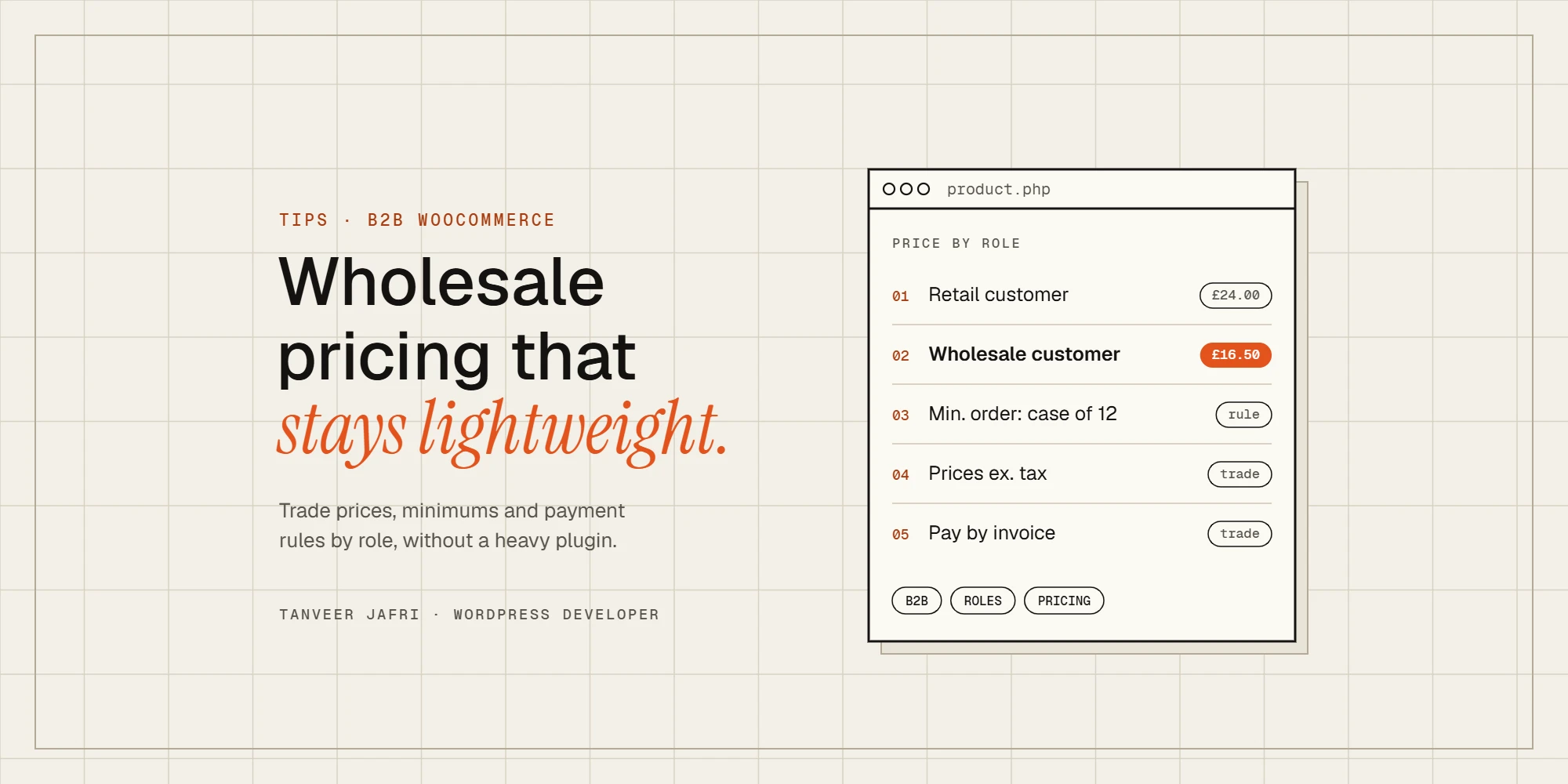
Most B2B WooCommerce stores need the same few things: approved trade customers, a different price for them, sensible minimum orders and the right payment options. Many stores install a big wholesale plugin for that and end up with dozens of settings screens, extra database queries on every page and features they never use. Here’s how wholesale pricing works in WooCommerce, when a plugin is the right call, and how to build a lean version yourself.
How wholesale pricing works in WooCommerce
WooCommerce has one price per product (or per variation). Wholesale pricing means changing that price for certain customers. The cleanest way to decide who is a wholesale customer is a user role: retail shoppers get the normal “customer” role, approved trade accounts get a “wholesale customer” role. Everything else, from prices to payment methods, can then check the role.
Approval is the step before that: deciding who gets the role. I cover registration and approval in detail in how to add B2B customer approval to WooCommerce.
Your options
- A dedicated wholesale or B2B plugin (such as Wholesale Suite or B2BKing). Fast to set up and full of features: tiered pricing, quote requests, order forms, per-category rules. Good if you need most of those features.
- A role-based pricing plugin. Lighter, and enough if all you need is “trade customers see a different price”.
- A small custom plugin. Best when your rules are specific, speed matters, or you’ve outgrown plugin settings and spend your time working around them.
A lean custom approach
If your rules are simple, a few WooCommerce filters do the job: register a “wholesale customer” role, store a wholesale price on each product, and swap the price for users with that role. Here’s the core of it, as a starting point rather than a finished plugin:
// Wholesale price for customers with the "wholesale_customer" role.
// Store the price in a product meta field called _wholesale_price.
function tj_is_wholesale() {
	$user = wp_get_current_user();
	return $user && in_array( 'wholesale_customer', (array) $user->roles, true );
}

function tj_wholesale_price( $price, $product ) {
	if ( ! tj_is_wholesale() ) {
		return $price;
	}
	$wholesale = $product->get_meta( '_wholesale_price' );
	return ( '' !== $wholesale && is_numeric( $wholesale ) ) ? $wholesale : $price;
}
add_filter( 'woocommerce_product_get_price', 'tj_wholesale_price', 10, 2 );
add_filter( 'woocommerce_product_variation_get_price', 'tj_wholesale_price', 10, 2 );

// Variable products: keep price ranges and their cache separate for wholesale users.
add_filter( 'woocommerce_variation_prices_price', function ( $price, $variation ) {
	return tj_wholesale_price( $price, $variation );
}, 10, 2 );
add_filter( 'woocommerce_get_variation_prices_hash', function ( $hash ) {
	$hash[] = tj_is_wholesale() ? 'wholesale' : 'retail';
	return $hash;
} );
A real build adds a field to enter the wholesale price on the product edit screen (including variations), shows “trade price” labels, and has tests for simple and variable products, the cart and the checkout.
Rules most wholesale stores also need
Minimum order quantities and values
Set a minimum per product (for example, cases of 12) or a minimum order value for trade accounts, and show the rule on the product page, not just as a cart error.
Tiered or quantity pricing
Price breaks such as 10+ or 50+ units are common in B2B. Keep the tiers visible on the product page so buyers can see what they’ll pay before adding to the cart.
Prices with or without tax
Retail customers usually expect prices including tax, while trade buyers expect prices excluding it. WooCommerce has one global display setting, so showing both needs a small customisation by role.
Payment methods by role
Trade accounts often pay by invoice or bank transfer, while retail shoppers pay by card. Use the role to show the right payment methods at checkout.
Hiding prices from guests
Some stores hide prices and the add-to-cart button until a trade account is approved. If you do, say clearly on the shop page how to apply.
Wholesale pricing and caching
Logged-in users normally bypass the page cache, so wholesale customers see their own prices. Problems start when a cache serves logged-in pages, or when prices are shown on cached pages through JavaScript. Test as a guest, a retail customer and a wholesale customer, and make sure each sees the right price on the shop page, product page, cart and checkout.
Common mistakes
- Changing the displayed price but not the price in the cart, or the other way round.
- Forgetting variable products, so the price range shows retail prices to trade customers.
- Hard-coding discounts as a percentage when some products have fixed trade prices.
- Letting anyone register straight into the wholesale role without approval.
- Not testing the order emails and invoices, which can still show retail prices.
Frequently asked questions
Can WooCommerce do wholesale pricing without a plugin?
Not out of the box, but a small amount of custom code can. For simple rules, a custom plugin is lighter and easier to maintain than a large wholesale plugin.
Can I show retail and wholesale prices on the same site?
Yes. Guests and retail customers see retail prices, and approved trade accounts see wholesale prices after logging in.
Do wholesale prices work with variable products?
They can, but variable products need extra care, because WooCommerce caches variation price ranges. The snippet above handles that by keeping a separate cache for wholesale users.
Need a B2B setup built?
I’ve built approval, wholesale pricing and B2B ordering for WooCommerce stores, including custom plugins for specific trade rules. Tell me how your trade customers buy and I’ll suggest the simplest setup that works. You can also browse my services and work.

Tanveer JafriFreelance WordPress developer. I build WooCommerce functionality, custom plugins and Elementor Pro sites. About me