Custom WooCommerce development: when plugins aren’t enough
Most stores start with plugins and outgrow them. Here's what custom WooCommerce development covers, and how to do it without breaking updates.
WooCommerce runs a huge share of online stores because it’s flexible: almost anything can be added with a plugin. Then a store grows, and the plugins start fighting each other. One adds a checkout field, another changes prices, a third rewrites shipping, and nobody can explain why a customer in Spain was charged twice. That’s usually the point where custom WooCommerce development stops being a luxury and becomes the cheaper option.
Plugins first, custom code second
I always start by asking whether a well-maintained plugin already does the job. Payment gateways, subscriptions, product bundles and most marketing tools are better bought than built: they’re tested on thousands of stores and someone else maintains them.
Custom code makes sense when:
- Your rules are specific to your business, such as who can buy, at what price, from which warehouse.
- You need three plugins and some glue to get one behavior, and the glue keeps breaking.
- A plugin does 80% of what you need, and the missing 20% is the part that matters.
- Performance suffers because a general-purpose plugin loads far more than you use.
- You need to connect WooCommerce to another system: an ERP, a warehouse, a CRM or an internal tool.
What custom WooCommerce development usually covers
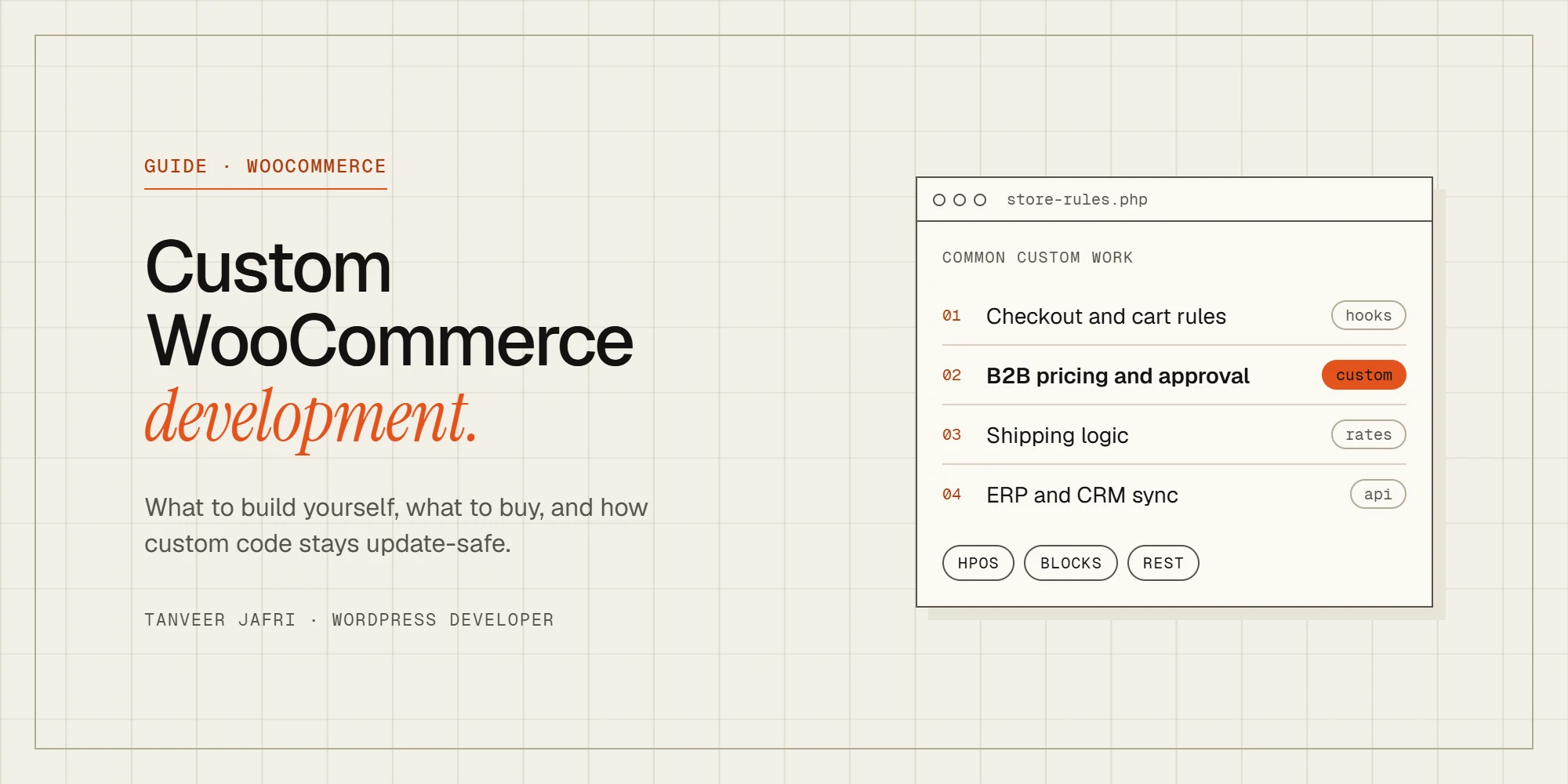
Most of the custom work I’m asked for falls into a few groups.
Cart and checkout rules
Limits on what can be bought together, minimum order values, required fields for certain products, or a cart that should only ever hold one item. On one project, the store needed a single-product cart workflow that clears the cart and adds a chosen product with quantity one. Simple to describe, surprisingly easy to get wrong with generic plugins.
Pricing and B2B features
Trade prices for approved customers, tiered pricing, hidden prices for guests, and approval workflows for wholesale buyers. I’ve written separately about adding B2B customer approval to WooCommerce, and about a per-customer stock visibility plugin that shows different stock status to different buyers without touching real inventory.
Shipping logic
Shipping zones and classes cover a lot, but not “double the shipping cost if the customer chooses the European warehouse” or “free shipping only for these products in these countries”. A small custom plugin can adjust rates precisely, as on this European-warehouse shipping option.
Returns, fees and order rules
Restocking fees that differ for EU and non-EU customers, order statuses that match your fulfilment process, or automatic actions when an order changes state. Extensions such as the restocking fee rules I added to a returns plugin are a good example of extending an existing plugin rather than replacing it.
Integrations
Sending orders to a warehouse, syncing stock from an ERP, pushing customers to a CRM or pulling prices from a supplier feed. These almost always need custom code, because every external system is different.
How custom code stays update-safe
The main fear with custom work is that the next WooCommerce update breaks it. That risk is real if code is written the wrong way, and small if it’s written the right way.
- Use hooks, never edit core files. WooCommerce provides actions and filters for almost everything. Code that hooks into them survives updates; code that edits WooCommerce or plugin files is overwritten by them.
- Keep it in a small plugin, not the theme. If the custom logic lives in
functions.php, changing your theme deletes your business rules. A dedicated plugin keeps them independent. - Support HPOS. New stores use High-Performance Order Storage, which keeps orders in their own tables instead of posts. Custom code should read and write orders through WooCommerce’s order objects, not direct post queries, and declare HPOS compatibility.
- Work with the block checkout. Cart and Checkout blocks are now the default for new stores, and old checkout hooks don’t all apply to them. Custom fields and rules need to be built for whichever checkout the store actually uses.
- Validate on the server. Hiding a button with CSS doesn’t stop a determined user. Prices, permissions and limits must be enforced in PHP.
- Prefix everything so function names and options don’t collide with other plugins.
A simple example
Here’s the kind of small, focused code that replaces a whole plugin. This filter stops guests from buying a product category until they log in:
add_filter( 'woocommerce_is_purchasable', function ( $purchasable, $product ) {
    if ( ! is_user_logged_in() && has_term( 'trade', 'product_cat', $product->get_id() ) ) {
        return false;
    }
    return $purchasable;
}, 10, 2 );
Real projects add more: an admin setting instead of a hard-coded category, a message explaining why the product can’t be bought, and checks on the REST API so prices and purchase rules can’t be bypassed. But the principle is the same: a few precise hooks instead of a heavy general-purpose tool.
How to brief a WooCommerce developer
The more precisely you describe the rule, the better the estimate. A useful brief answers:
- Who the rule applies to: guests, customers, wholesale buyers, a country.
- What should happen, step by step, including edge cases.
- When it applies: at registration, in the cart, at checkout, after payment.
- What must not change: other plugins, reports, emails, existing orders.
- How you’ll test it: two or three real scenarios with expected results.
“Wholesale customers in the US get 20% off orders over $500, but not on sale items” is something a developer can build and test. “Make wholesale work better” isn’t.
How custom work is tested
Before anything reaches a live store, I build it on a staging copy and test it as the people who’ll use it: a guest, a logged-in customer, a wholesale buyer, an admin. Payments are tested in sandbox mode, emails are checked, and the store’s existing orders and reports are compared before and after. For stores that take real money every day, deployment happens at a quiet time, with a backup taken immediately before.
Custom code and store speed
A side benefit of replacing several general-purpose plugins with one focused plugin is speed. Big extensions often load their scripts and styles on every page, run database queries for features you never switched on and add settings screens your team never opens. Custom code only does what your store needs, and only where it’s needed: a checkout rule doesn’t need to load on blog posts.
That doesn’t mean custom always wins. A poorly written snippet that runs a heavy query on every page can be worse than any plugin. Before and after any change, I measure the pages that matter, usually the shop, a product, the cart and checkout, logged out and logged in, so the store is never slower than it was. If your store already feels sluggish, my post on why WooCommerce stores feel slow even with caching explains where the delays usually hide.
Frequently asked questions
Is custom WooCommerce development expensive?
Small, focused changes are often cheaper than a premium plugin over a couple of years, and much cheaper than the time lost to plugin conflicts. Larger integrations take longer and depend on the external system. A clear brief makes the estimate accurate.
Will I be locked in to one developer?
You shouldn’t be. Well-written custom code is a normal WordPress plugin with readable code and comments. Any competent WooCommerce developer can maintain it, and you should own it outright.
Can you fix custom code someone else wrote?
Yes. I often take over stores where the original developer is no longer available, review the existing code first and then fix or rebuild what’s needed.
Need a WooCommerce developer?
WooCommerce and B2B functionality is one of my core services, from small checkout tweaks to complete wholesale stores. You can see examples on my work page. If you’re juggling plugins to make one rule work, tell me what the rule is and I’ll suggest the simplest way to build it.

Tanveer JafriFreelance WordPress developer. I build WooCommerce functionality, custom plugins and Elementor Pro sites. About me
Discussion
Comments